How to Cancel Your Path Social Subscription
How to cancel Path Social from your dashboard or by email, when you can get a refund, what pausing really does, and what to do if you're still charged.
Posted by
 The OwskiMedia Team
Related reading
How to Cancel Outfame in 2026: Step by Step Guide
How to cancel Outfame — even when there's no cancel button — contact Outfame customer service, get a refund, remove its Instagram access and stop charges that keep coming.
How Does Outfame Work? What It Actually Does (2026)
How Outfame works: the Meta login it uses instead of your password, what its software does on your account, its follower shop, how fast results come and whether it works.
How Does Plixi Work? What Its AI Actually Does (2026)
How Plixi works: what its AI growth engine and "micro-interactions" are, the like and comment bots its own site describes, how fast results come, and whether it works.
The quick answer
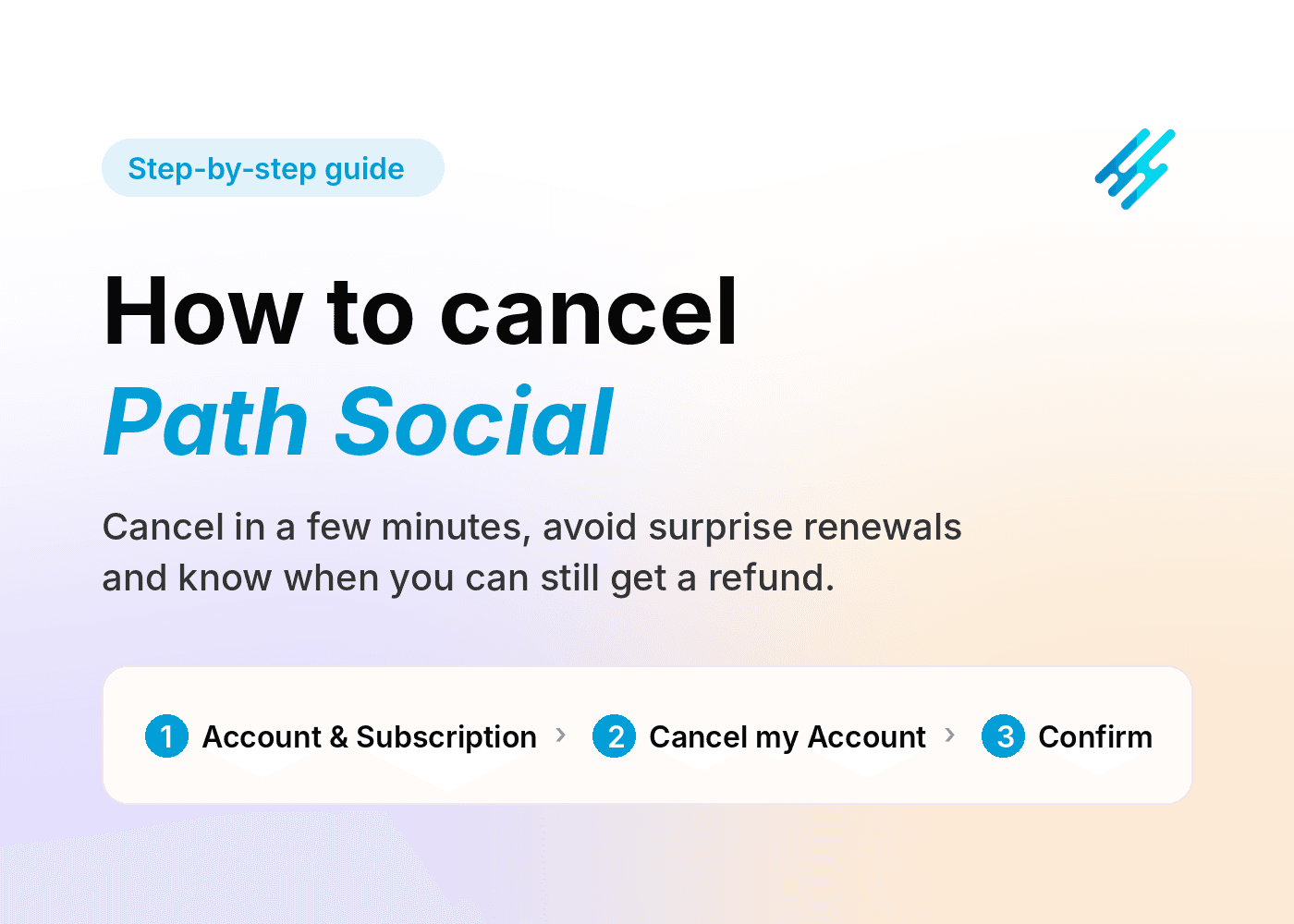
To cancel Path Social, log in to your Path Social dashboard, open Account & Subscription, click the pencil icon under Connected Account(s), choose Change in the Subscription field, then click Cancel my Account, Close my Account and Confirm. You can also email hello@pathsocial.com and ask them to cancel.
If you signed up in the last 7 days, ask for a refund at the same time — after that, Path Social will cancel your plan but won't refund it. The full steps, the refund rules and a few things to watch out for are below.
One warning before you start: across Path Social's Trustpilot reviews and Better Business Bureau complaints, a recurring story is customers being charged when they didn't expect it — and then getting no reply. Many say they had to dispute the charge with their bank to get their money back. Here's what to do if that happens to you.
How to cancel Path Social from your dashboard
These are the steps from Path Social's own help center. It only takes a couple of minutes:
- Log in to your Path Social dashboard.
- Click the dropdown arrow next to your username, in the top-right corner.
- Select Account & Subscription.
- Click the pencil icon under Connected Account(s).
- Click Change in the Subscription field.
- Click Cancel my Account.
- Select Close my Account. (Don't pick "Put My Account on Hold" unless you only want a break — more on that below.)
- Click Confirm.
Take a screenshot of the confirmation screen and keep any confirmation email. If there's ever a question about when you cancelled, that's your proof.
How to cancel Path Social by email
Path Social's terms say you can also cancel by emailing hello@pathsocial.com. Send it from the email address on your account so they can find you quickly. You can copy this:
Subject: Please cancel my Path Social subscription
Hi Path Social team,
Please cancel my subscription and stop all future payments, effective immediately. My account email is [your email] and my Instagram username is [@yourhandle].
[If you signed up in the last 7 days: I signed up on [date], so I'd also like a refund under your 7-day guarantee.]
Please confirm by email once this is done.
Thanks,
[Your name]
Path Social's help center also lists a phone number, +1 (310) 848-1269, but email gives you a written record, so we'd use that.
Can you get a refund from Path Social?
Only within the first 7 days. Path Social's refund policy says every new purchase comes with a 7-day guarantee: cancel in that window and you can ask for a refund of the original amount. After 7 days, it will cancel your subscription but won't refund it, because the service has already started.
The policy is tied to your original sign-up date, so renewals aren't covered. That matters most on an annual plan: if a yearly renewal goes through, the 7-day guarantee won't apply to it.
If you didn't see any growth, it's also worth mentioning that Path Social's pricing page promises "Guaranteed results or it's free" when you ask.
Should you pause instead of cancelling?
Path Social lets you put your account on hold from the same screen (choose Put My Account on Hold instead of Close my Account). But a pause only lasts up to 3 months. When it ends, your account resumes and auto-renews — so if you don't plan to come back, cancel rather than pause.
Charged unexpectedly and can't get a reply? You're not alone
This is one of the most common complaints about Path Social. Trustpilot's own summary of its reviews says customers report unauthorised charges and continued billing despite cancellation requests, and that customer service is a recurring concern. Reviewers describe annual renewals they say they weren't warned about, charges months after they asked to cancel, and emails that went unanswered. Several complaints filed with the Better Business Bureau are marked as unanswered by the company, and similar stories come up on Reddit.
Many of these customers say they ended up filing a dispute with their bank, card provider or PayPal — and some say that's what finally got them a refund. If you're in the same position, here's how to give yourself the best chance:
- Gather your evidence. Screenshots of your cancellation, confirmation emails, the dates you contacted Path Social, and the charge on your statement.
- Ask Path Social once, in writing. Email hello@pathsocial.com asking for a refund of the specific charge, and give a short deadline (for example, 3 working days). Banks usually ask whether you tried the company first, so this keeps you covered.
- No reply? Dispute the charge. Contact your bank, card provider or PayPal, explain that you were charged after cancelling (or without agreeing to it), and send them your evidence. Do this quickly — disputes have time limits.
- Stop future charges. Ask your bank to block further payments to Path Social, or request a new card number.
- Report it. A complaint with the Better Business Bureau, or a review on Trustpilot, helps warn other people.
After you cancel: a quick checklist
- Check your dashboard shows the subscription as cancelled.
- Keep your screenshot and any confirmation email.
- Watch your next card statement for any further Path Social charges.
- If you're charged after cancelling, reply to Path Social with your proof and ask for a refund. If you don't hear back quickly, dispute the charge with your bank — many Path Social customers say they've had to.
Will you lose your followers after cancelling?
Path Social says you won't lose any followers when you cancel. Some of its reviewers report the opposite — followers dropping off once they stop paying. Real people who chose to follow you shouldn't disappear, so a big drop after cancelling is a sign those followers weren't genuine.
Looking for a Path Social alternative?
If you're cancelling because the followers didn't feel real, or because of the annual billing, look for a service that grows you with real, targeted people and doesn't lock you in.
At OwskiMedia, we engage real users who follow accounts you choose — like your competitors — through the official Instagram app on a real phone. Your first month is 50% off after a free call and a one-off payment with no subscription, and after that it's a monthly rolling plan you can cancel anytime through your account manager, by email or in the client portal. You also get a dedicated account manager, a daily analytics dashboard and a monthly growth report.
Want to compare your options first? Read our Path Social review, see the best Path Social alternatives, or how OwskiMedia compares to Path Social.
See OwskiMedia's plans →
Frequently asked questions
Can I cancel Path Social at any time?
Yes. Path Social says you can cancel at any time from your dashboard or by emailing hello@pathsocial.com, and the cancellation takes effect immediately. Refunds are only available within 7 days of your first purchase.
Does Path Social renew automatically?
Yes. Path Social's terms say subscription fees may be renewed automatically, and a paused account auto-renews when the pause ends. Cancel before your renewal date to avoid the next charge.
How do I pause Path Social?
Follow the same steps as cancelling, but choose "Put My Account on Hold" instead of "Close my Account". You can pause for up to 3 months, then your account resumes and renews automatically.
How do I contact Path Social?
Email hello@pathsocial.com, or call the number listed in its help center, +1 (310) 848-1269.
What if Path Social charged me after I cancelled?
Email hello@pathsocial.com with your proof of cancellation and ask for a refund. If they don't respond, dispute the charge with your bank, card provider or PayPal and ask them to block future payments. Many Path Social customers on Trustpilot say they've had to do exactly this.
What if Path Social doesn't respond?
Unanswered emails are a common complaint in Path Social's reviews and Better Business Bureau complaints. Keep a record of every message you send. If you've been charged and can't get a reply, contact your bank or card provider — you don't need Path Social's agreement to open a dispute.
Does cancelling delete my Path Social account?
Not necessarily. Cancelling closes your subscription, and Path Social's help center explains how to reactivate an account later. If you want your data removed, its privacy policy says you can email contact@pathsocial.com to revoke your consent, after which your account and profile information will be removed.
Can I get a refund on a Path Social annual plan?
Only if you cancel within 7 days of your original purchase. After that, and for renewals, Path Social cancels the plan without a refund.